HappyRobot
Overview
HappyRobot builds AI workers that handle enterprise workflows across industries like logistics, utilities, airlines, and finance. I joined the team in February 2025 in San Francisco as the third engineer after their Series A. While I was there, the company grew to more than 150 people, expanded around the world, and became a unicorn.
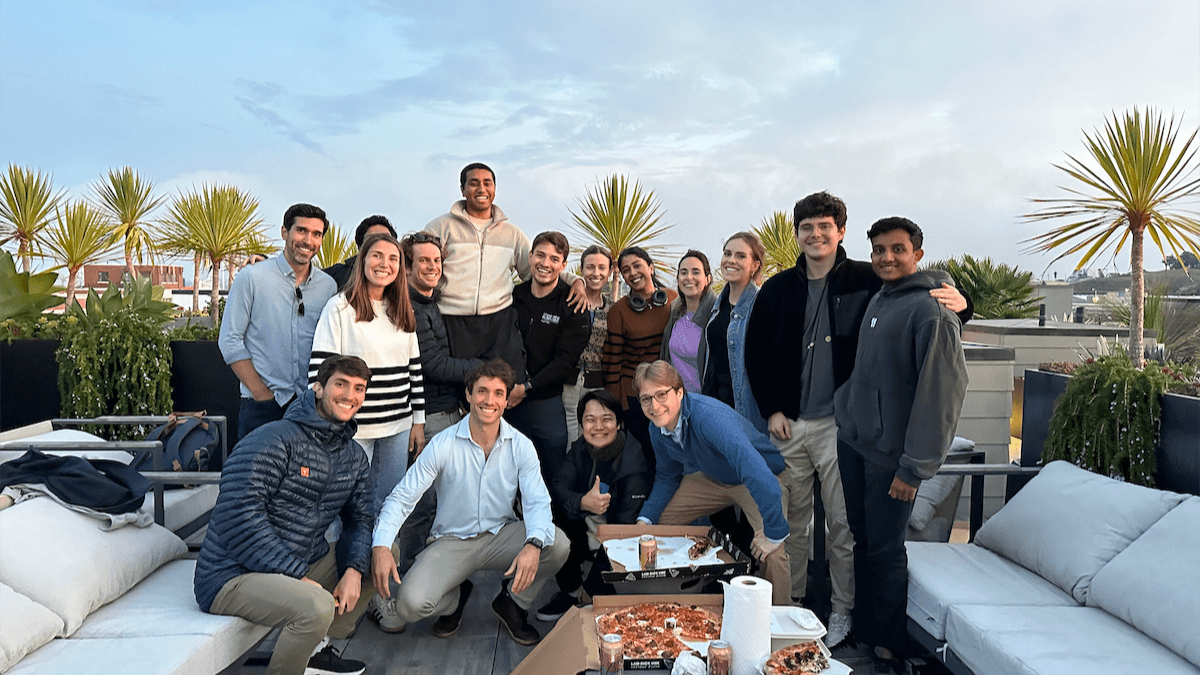
I worked at HappyRobot throughout school and co-op terms, switching between full-time and part-time along the way. I initially took ownership of Bridge, a separate product built on top of our main platform, as its sole engineer and designer. Around a year later, I moved onto the main platform as the lead design engineer while continuing to work across product and engineering.
Bridge
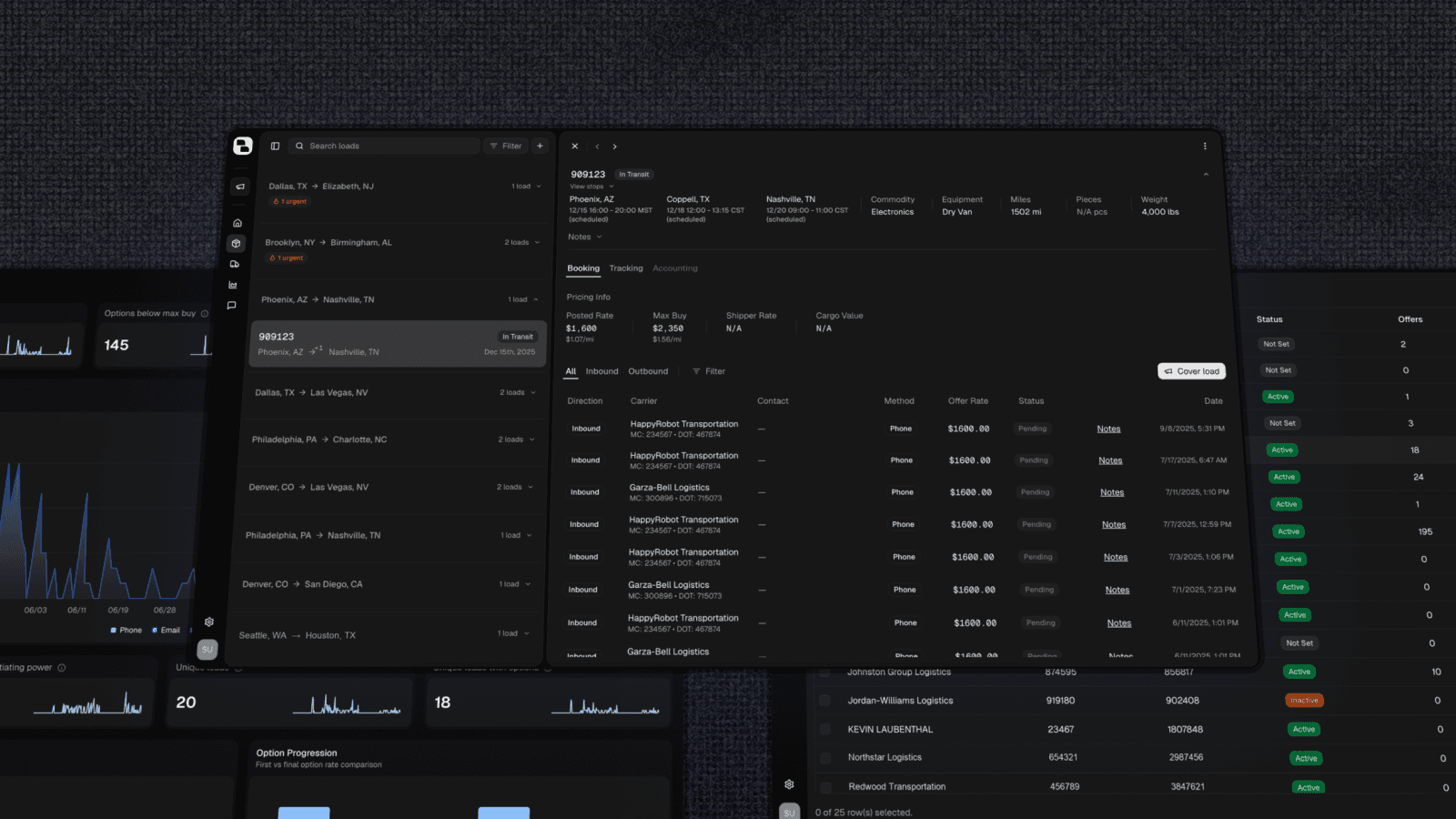
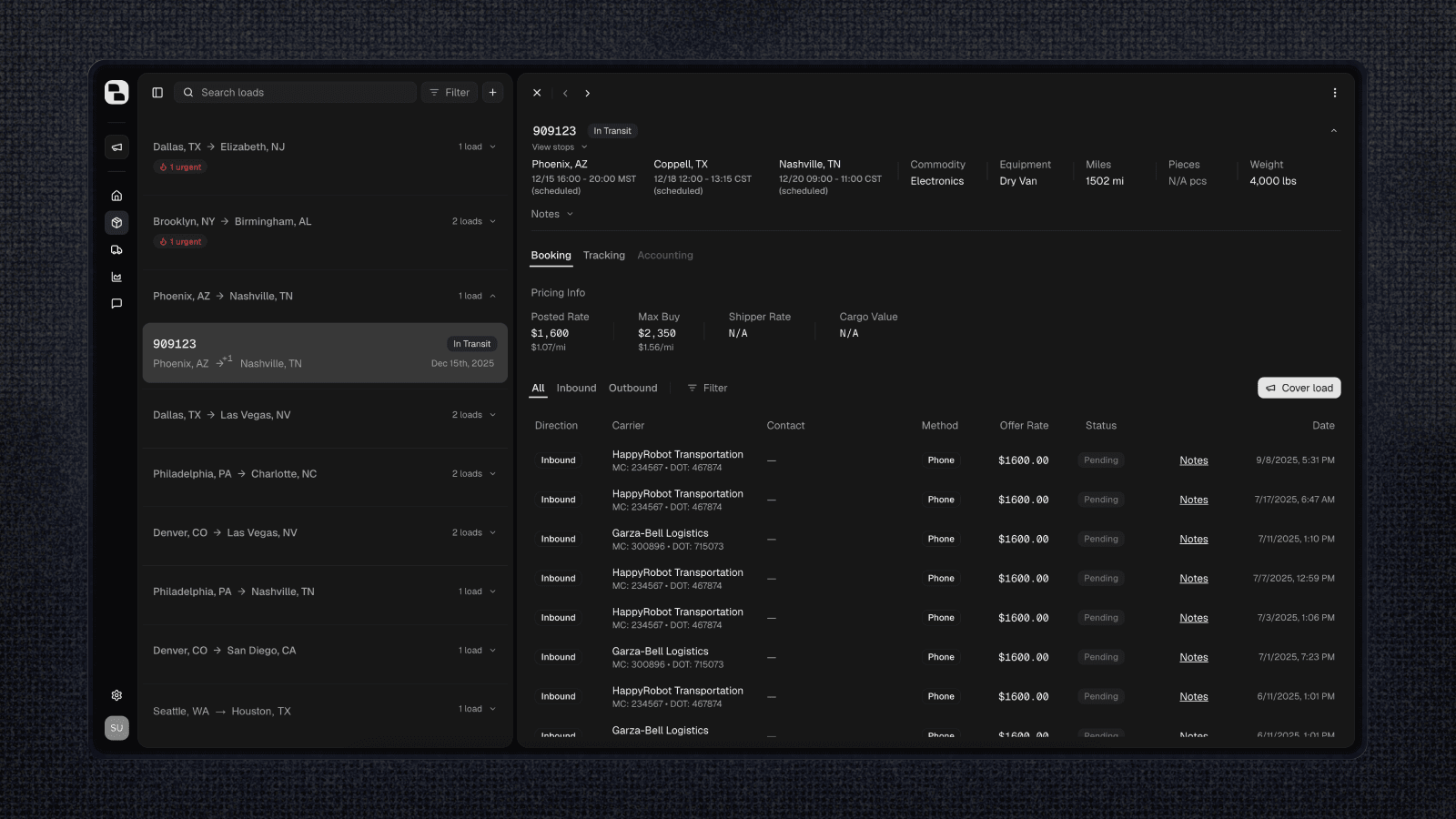
When I joined HappyRobot, many of our early customers were in the logistics industry. Their workflows depended heavily on operational data like loads, carriers, shippers, and the relationships between them.
Bridge was built as a layer on top of the main product to make that data easier to explore and act on. It started from an early proof of concept by Ari, and I took full ownership, rebuilding and extending it as the product grew.
The first problem was getting all of that customer data into a form Bridge could work with.
Data Ingestion
Different customers stored their operational data in different systems, so we needed a repeatable way to build and deploy integrations between their systems and Bridge.
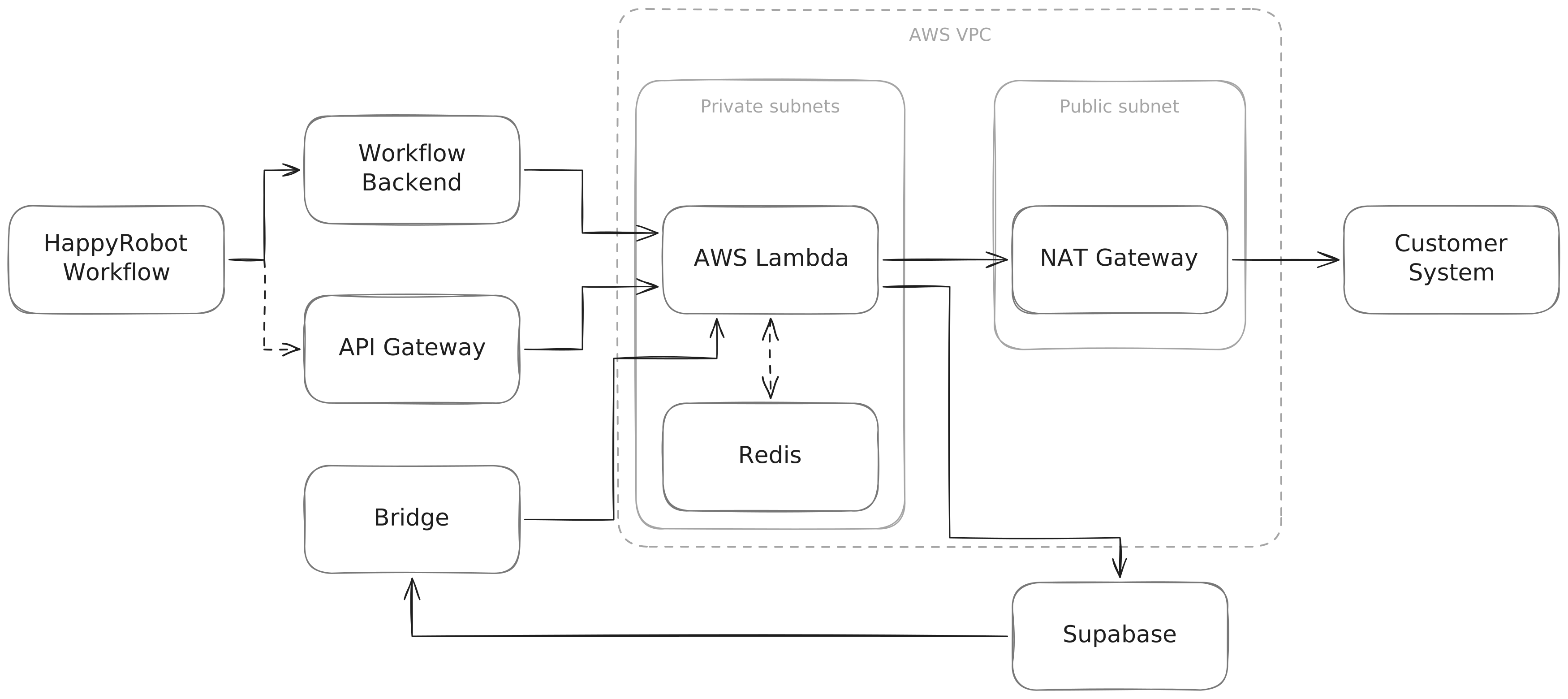
One of the first things I built was an integration layer on top of AWS Lambda. I created a CLI for new integrations that scaffolded the Lambda and Terraform needed to deploy them, along with CI that handled the infrastructure changes and deployments.
The Lambdas were configured with access to our VPC and communicated with customer systems, pulling their data and transforming it into Bridge's data model. From there, we stored it in Supabase and made that data available to workflows running on the main platform. For integrations that needed an HTTP endpoint, we exposed the Lambda to incoming webhooks through API Gateway.
It was my first time working this deeply with AWS and Terraform, and I learned a lot about making these services work together. If I were building it again, I would have invested more in observability around data errors, since keeping track of inconsistencies became much harder as we added more integrations.
Data Models
As Bridge expanded into more use cases, we also needed to rethink parts of the underlying data model.
I worked closely with Dhruv and Taher, who were both FDEs working with customers that used Bridge. We spent a lot of time talking with those customers, understanding how they modeled their operations, and figuring out how our model needed to change.
This was one of my favorite parts of Bridge because I got to interact directly with the people using it. Different organizations represented the same concepts in very different ways, so the challenge was finding a model flexible enough to support those differences without making it specific to a single customer or too broad to be useful.
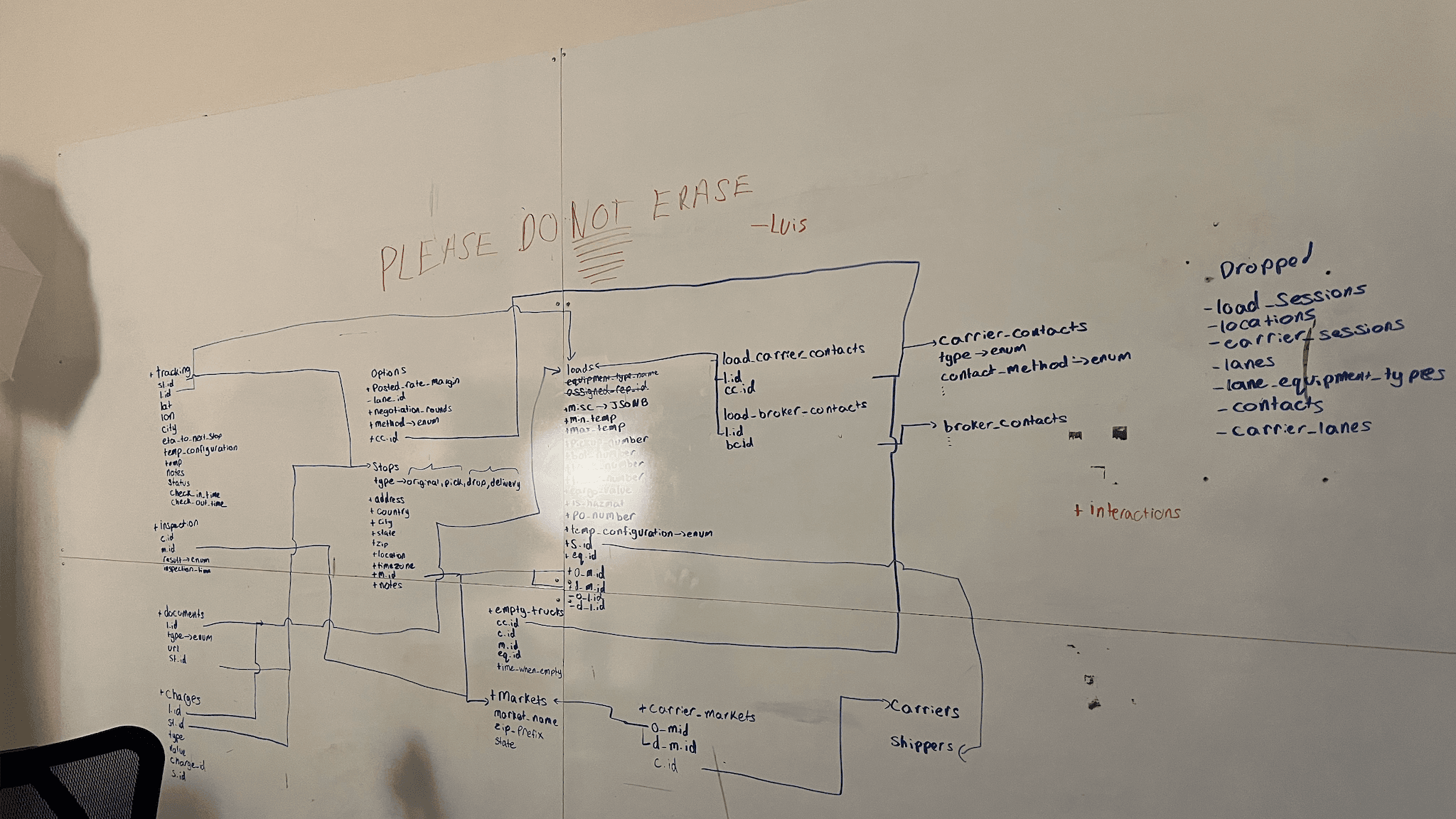
After a lot of planning, we settled on the new model and I handled the migration along with updating all the parts of the product that depended on it.
Application
Bridge was built with Next.js, Drizzle, Supabase, and tRPC. I found my love for server components, prefetching queries on the server and hydrating them into client components with Suspense. I also played around with partial prerendering and caching page shells to keep navigation feeling fast.
Since I was the only engineer and designer on Bridge, I also got to own the interface and interactions across the product. I spent time with customers understanding how they worked in their existing systems, where they were running into problems, and iterating on the product around that.
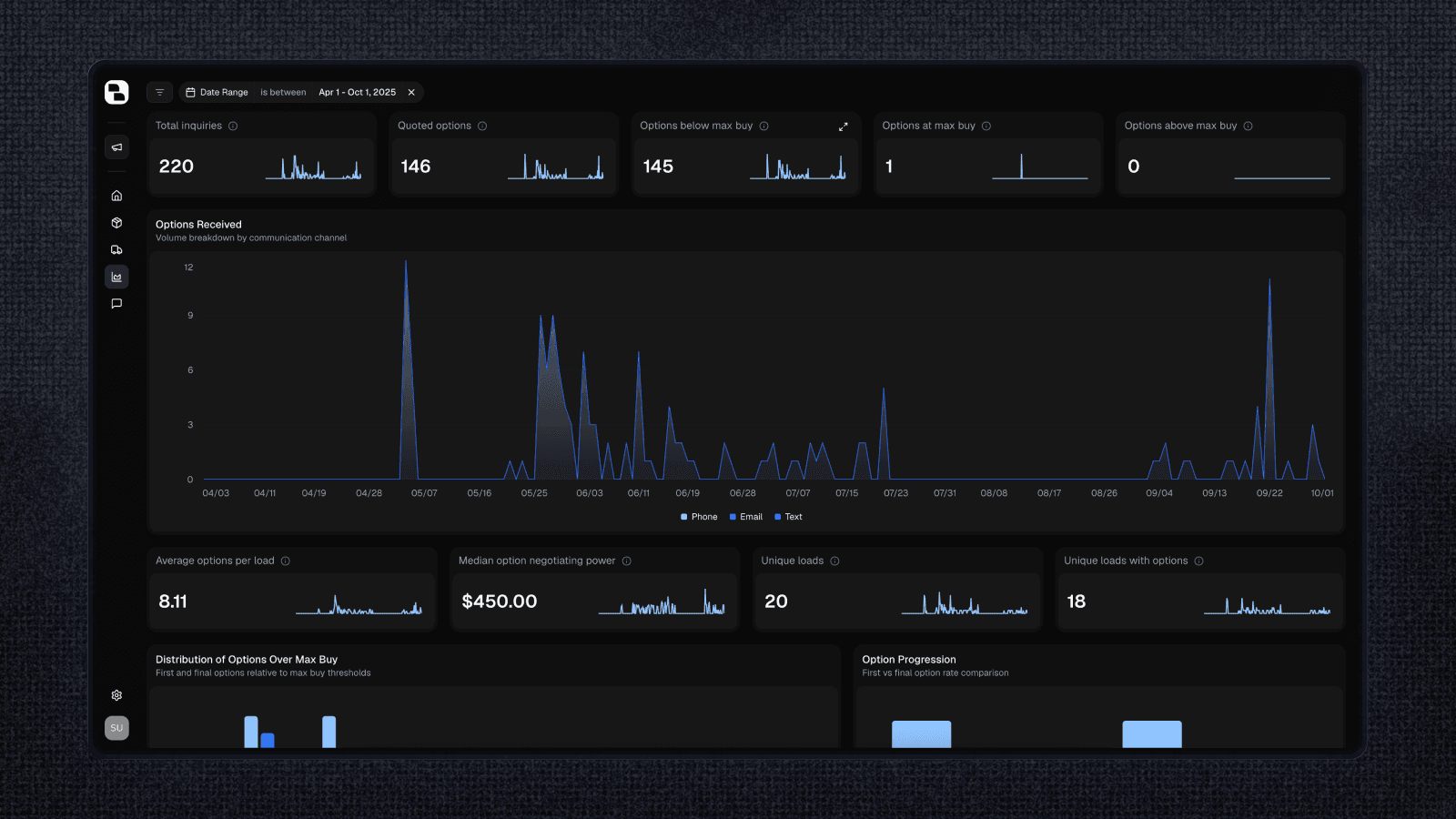
The analytics page was especially fun to design. Each metric included a small sparkline that could expand into a more detailed view. I used Motion's shared layout animations to make the transition feel continuous. The interaction was inspired by Emil's course, where I learned a lot about motion design, and it ended up being one of my favorite interactions in the product.
Bridge was eventually folded into the main product as we built a more generalized data ontology layer into the platform. Customers could define their own schemas and use that data throughout their workflows and the apps they built on top of the platform.
Platform
Around a year in, I moved onto the main platform as the lead design engineer and a product engineer.
I created an internal design system and redesigned core parts of the product to make existing and new features easier to use. I also made the platform faster and more responsive, and built the sidebar three separate times for fun.
Design System
A lot of our UI originally started from shadcn and Radix primitives, but those components changed as the product grew. Over time this created small inconsistencies in spacing, colors, sizing, and behavior across the platform.
I built the design system using coss as a starting point since it was built on Base UI, which was still fairly new at the time. From there, I spent time tuning the tokens, spacing, interactions, and behavior of the components to fit our product.
It was really rewarding to see that work become part of almost every feature in the platform, especially when users started noticing the improvements themselves.
Workflow Editor
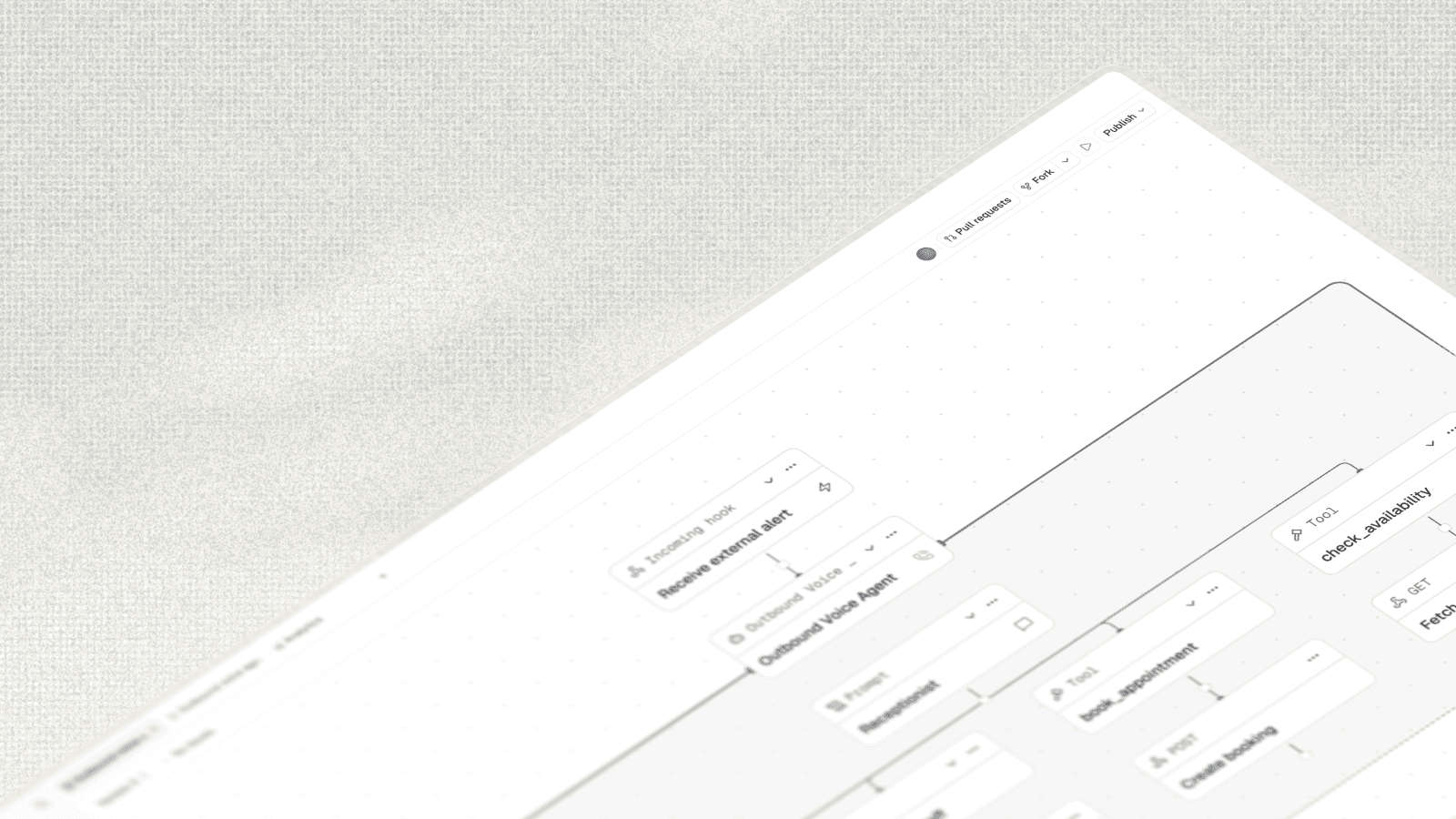
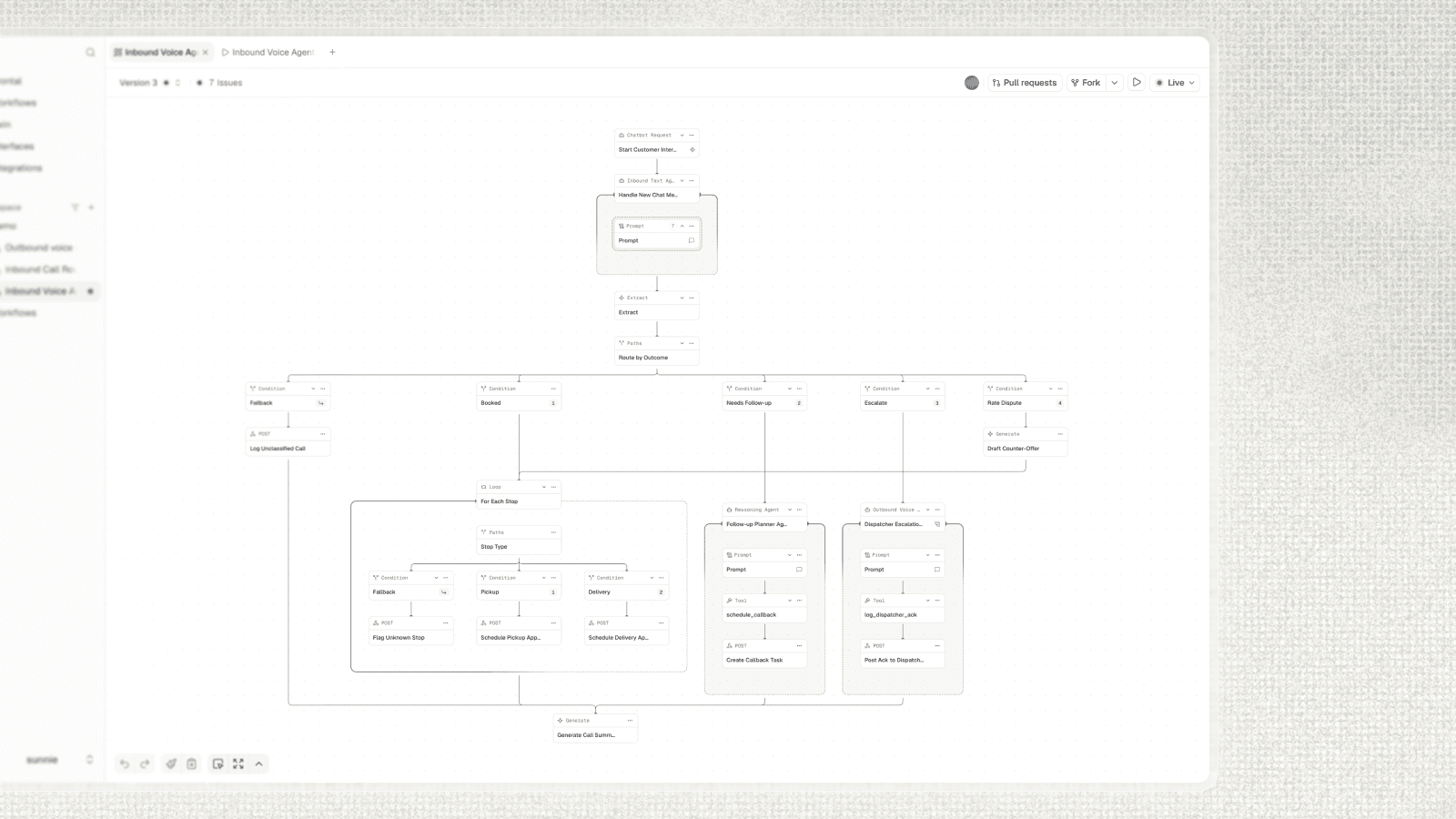
One of the main features in HappyRobot is the Workflow Editor, where customers build the workflows behind their automations. As we added more features, the workflows customers were building became much larger and more complex.
I redesigned the editor and eventually replaced React Flow with a custom canvas layer. This gave us much more control over how nodes and other elements were rendered, while also improving panning as workflows grew larger.
Performance became an important part of that work. I greatly reduced the number of DOM nodes rendered across the canvas and used Base UI's detached triggers to keep a single menu and popover instance mounted.
Alongside the canvas work, I worked on features like merging paths, loop nodes, and collapsible sections of workflows.
For these features, I focused on the product and frontend experience while Karan led the backend architecture that supported them. You can read more about his work here.
Workflow Runs
Workflow Runs is where customers can inspect what happened during a workflow’s execution. Each node’s output is stored as JSON, so customers can see the values of variables at any point in the workflow.
I improved the Runs experience, including filtering node outputs, customizing and saving table views, and inspecting individual runs.
Filters
As customers built more complex workflows, they needed more ways to find the runs they wanted to inspect.
I built out the filtering system with more operators, including comparisons, text matching, and date ranges. I also added support for more complex filter groups with OR logic and extended our ClickHouse query logic to support these options.
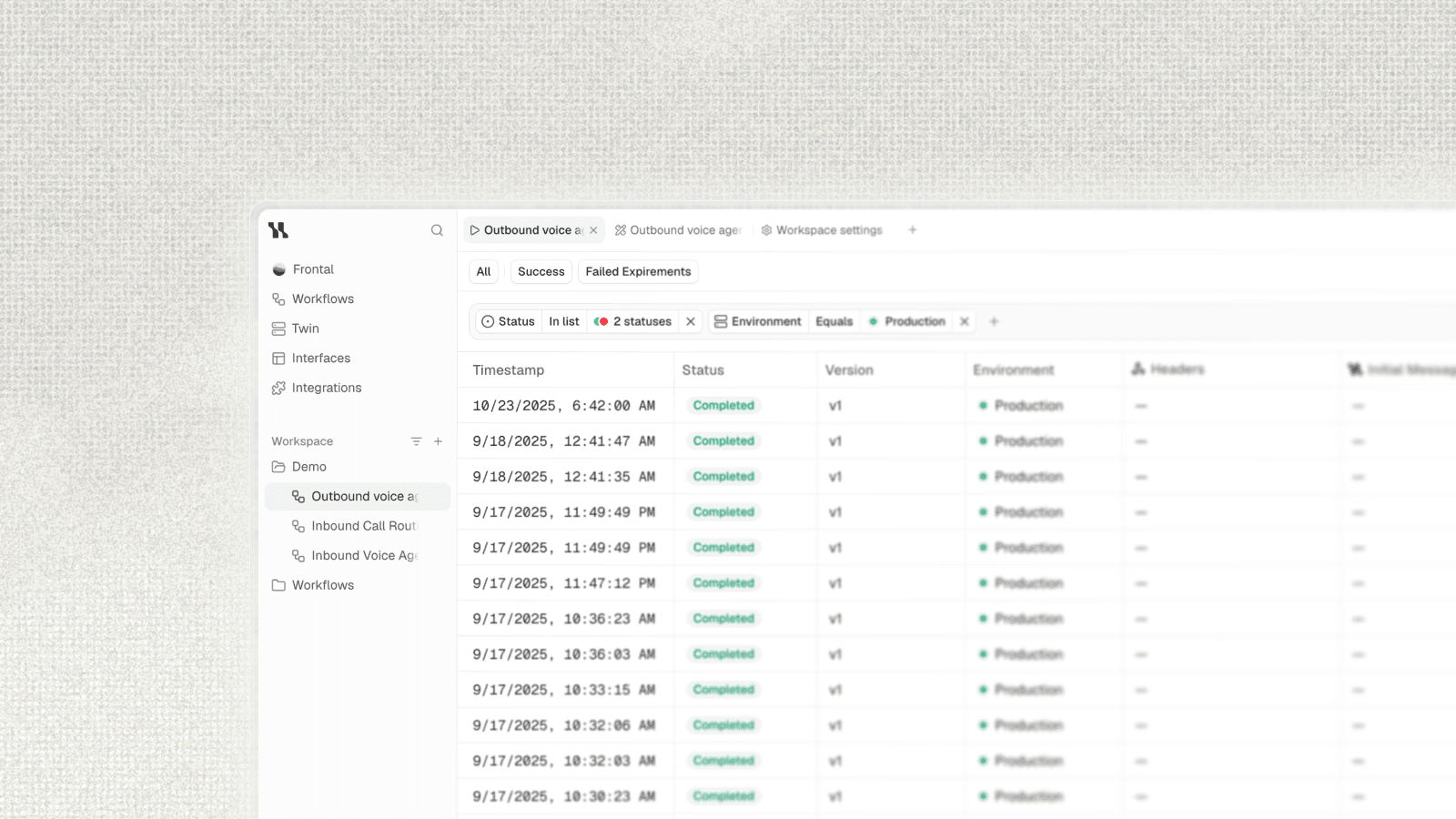
The UI took a lot of inspiration from Linear’s filtering system. I represented the filter state as JSON in the URL using nuqs, and built views on top of that. A view was simply a saved set of filters and column state, making it easy to re-apply a set of filters.
Run Details
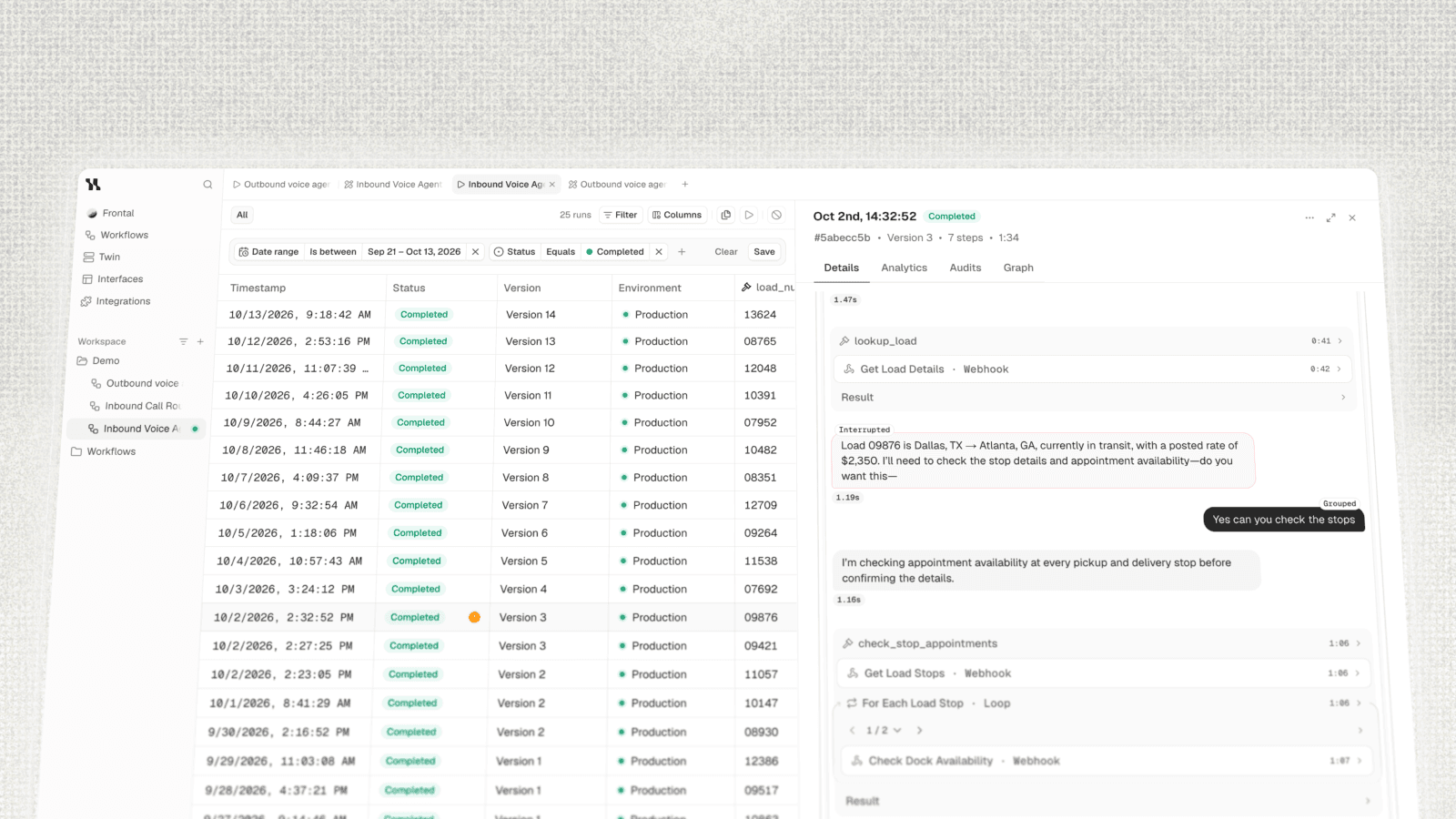
Runs could contain a lot of information from node outputs, agents, loops, interruptions, flags, and other states throughout the workflow. I completely redesigned the Run Details interface, rethinking how that information was organized and presented to make it easier to understand what happened during a run. This ended up being one of the last things I worked on, and I was really happy with how things turned out.
The Team
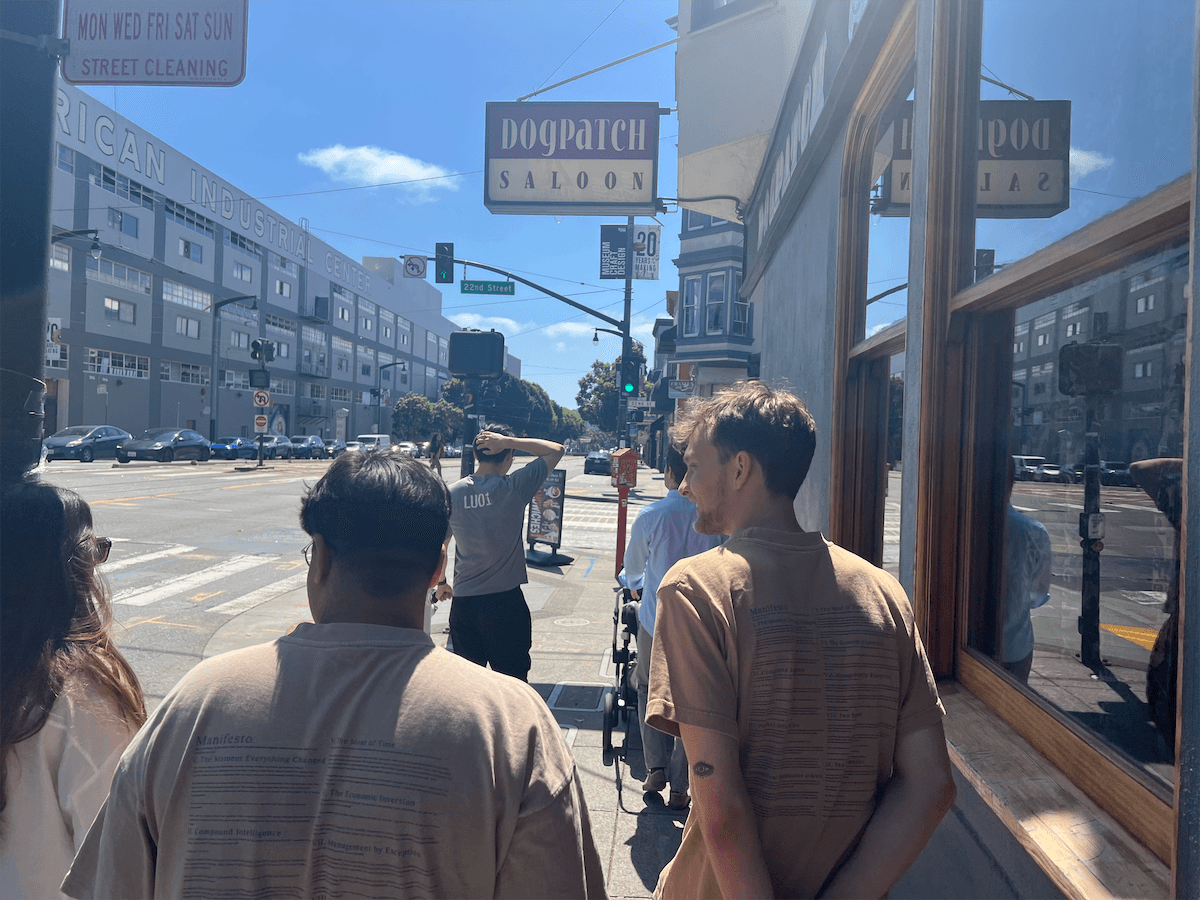
Overall, I had such an amazing time at HappyRobot. I'm incredibly grateful to Pablo, Luis, and Javi for taking a chance on me and trusting me with so much ownership early on.
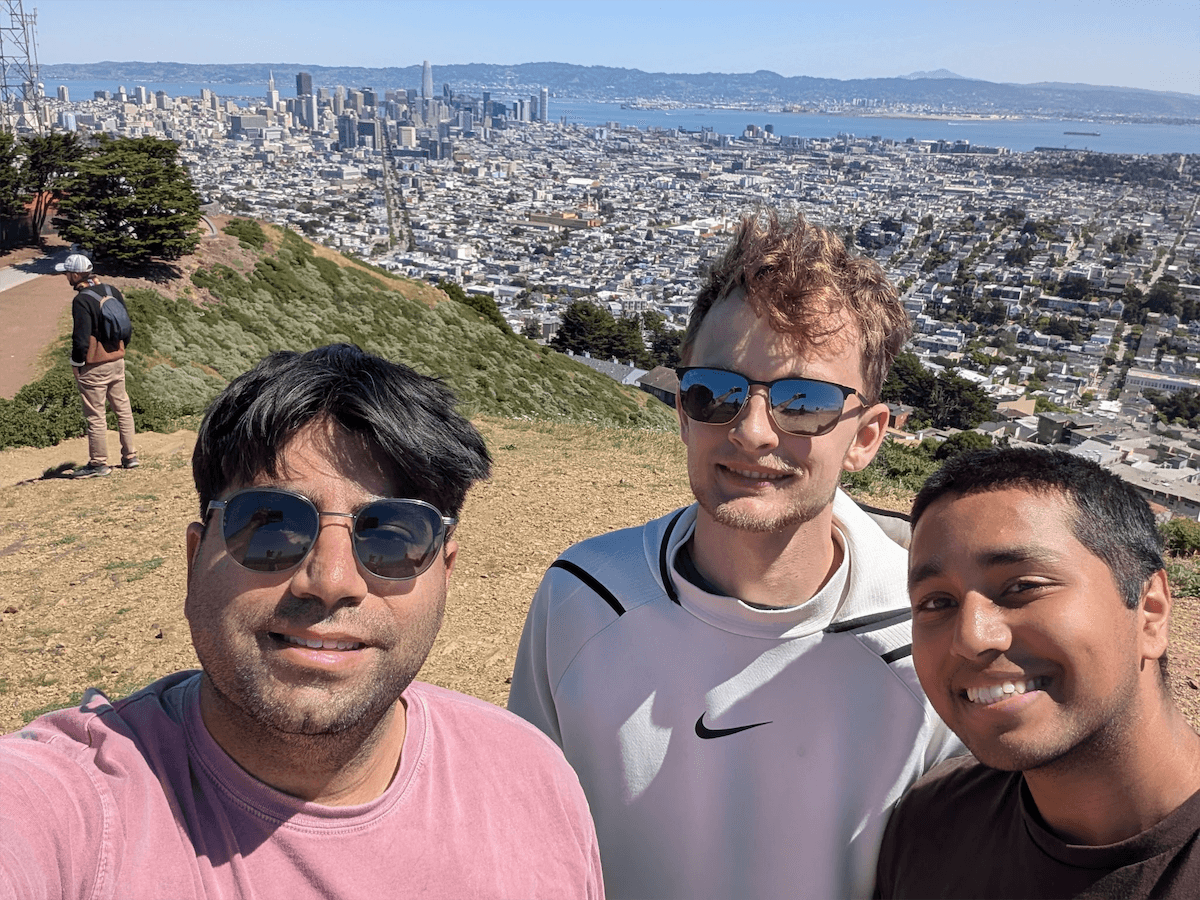
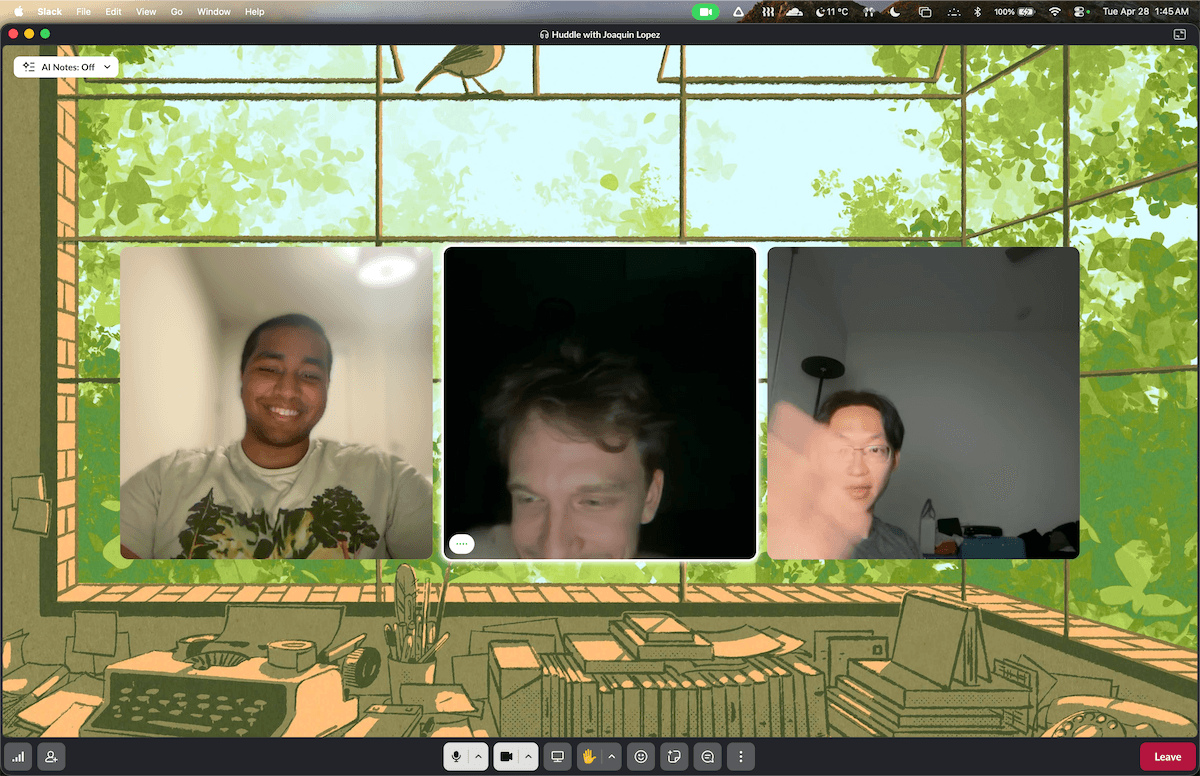
I'm also super thankful to Joaquin, who mentored me throughout my time there, along with Karan, Carlos, and Ari, who I learned a lot from. HappyRobot honestly became a second family to me, and I made so many memories and lifelong friends there.
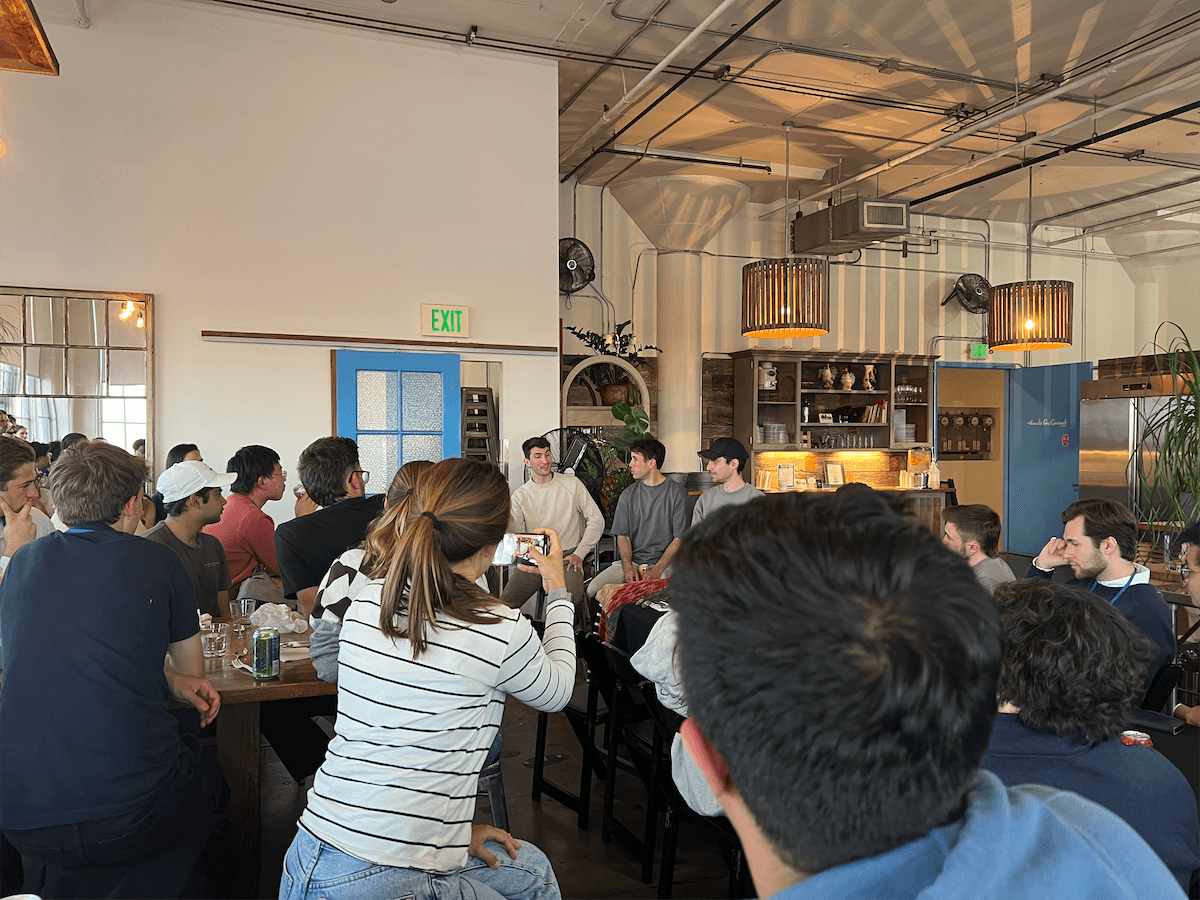
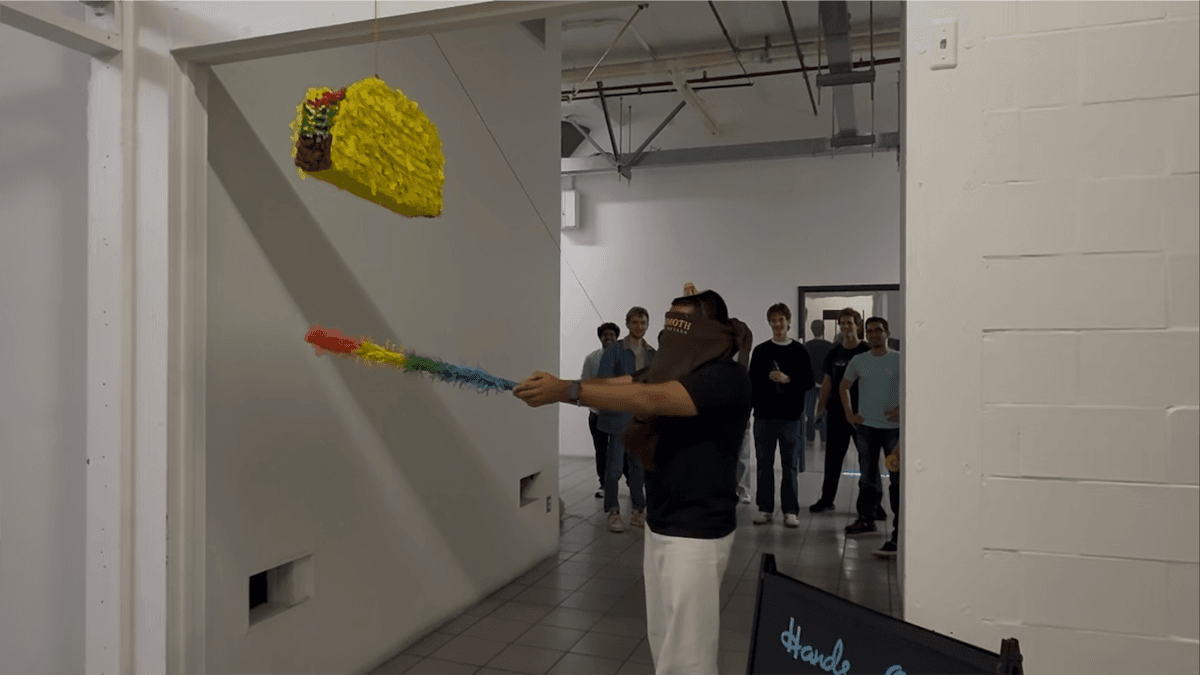
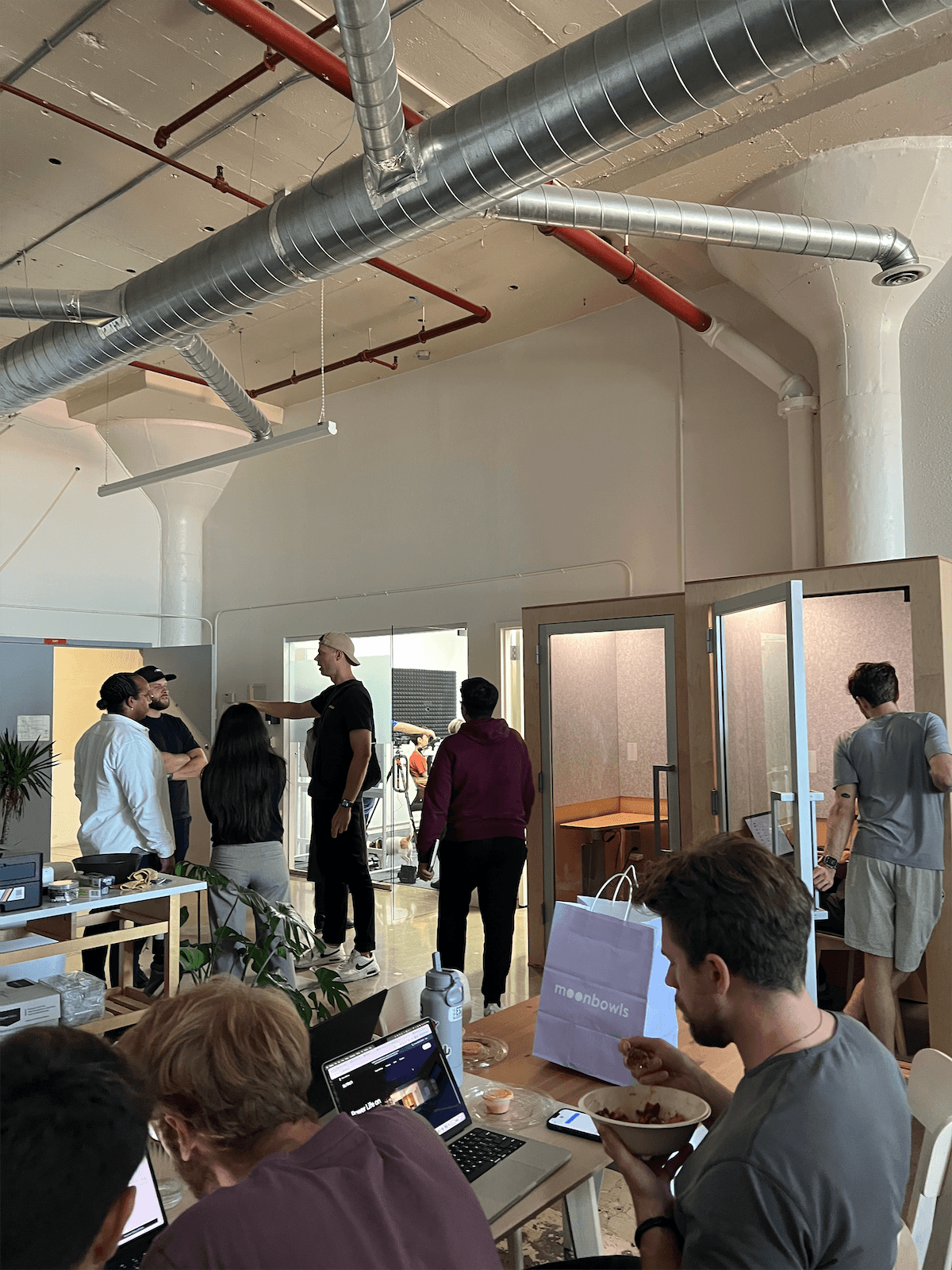
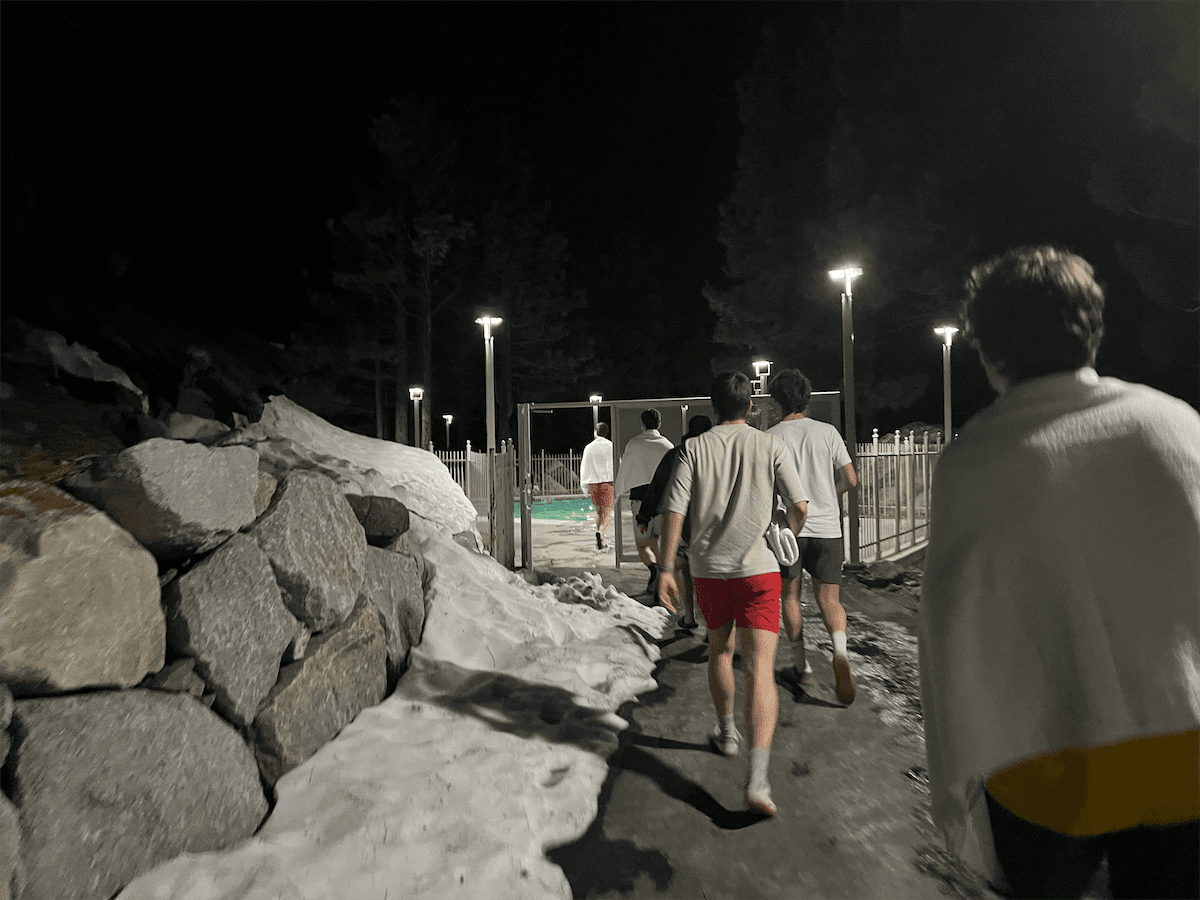
Shoutout to the product and ML team for always caring so much about the things we built, even through all of the late nights. I'll miss the walks to the bodega, and working together in the office way too late.
And thank you to everyone else at HappyRobot. So much work happens behind the scenes to make everything possible, and it definitely doesn't go unnoticed.
The future of HappyRobot is really exciting, and I can't wait to see where everyone takes it next!